

Single Post
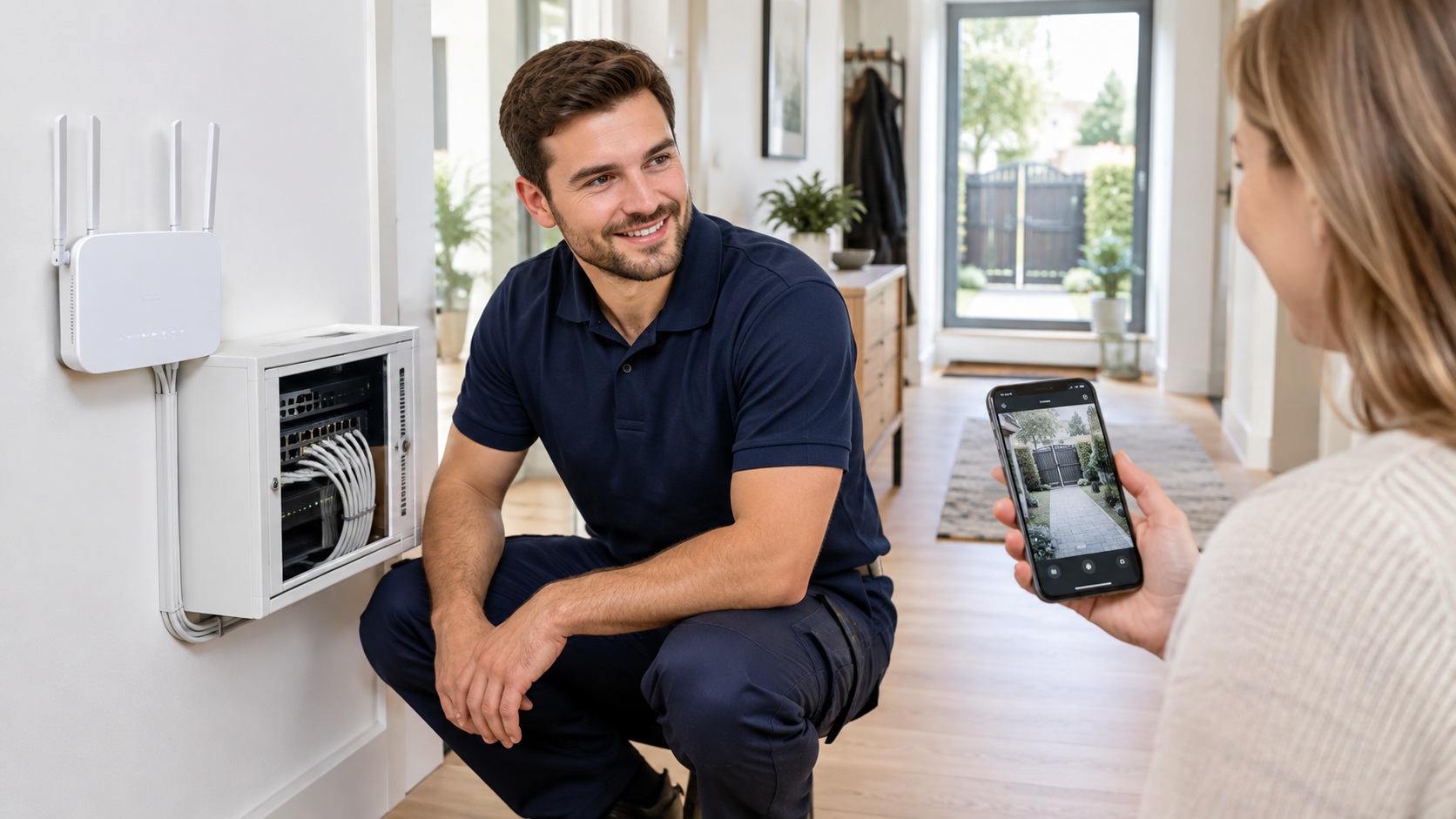
A security camera that keeps going offline is worse than no camera at all — it gives you a false sense of security. In most homes the camera itself is fine; the problem is the Wi-Fi signal or the power reaching it. Here are the most common causes and what you can check yourself.
1. The router is in the wrong place
Routers hidden in a closed cabinet, a closet, a basement corner or behind the TV lose a lot of their range. Wi-Fi signal also weakens through brick, stone and metal — common in older Cleveland homes. Moving the router to a central, open spot, ideally a little higher off the floor, is often the single biggest improvement.
2. The camera is too far from the router
Outdoor cameras near a gate, garage or driveway are usually at the edge of coverage. Open your Wi-Fi settings on your phone and stand where the camera is: if you see one or two bars, the camera sees the same. A mesh Wi-Fi system or a properly placed access point fixes weak zones far better than a cheap plug-in extender.
3. The camera is on the wrong Wi-Fi band
Many cameras only work on the 2.4 GHz band, which reaches farther but is more crowded. If your router combines 2.4 and 5 GHz under one name, some cameras struggle to stay connected. Check the camera’s requirements and, if needed, set up a separate 2.4 GHz network for smart devices.
4. Power problems
- Battery cameras go offline when the battery runs low, especially in cold Ohio winters, when batteries drain faster.
- Solar panels may not keep up on short, cloudy days.
- Plug-in cameras can drop out if the adapter or extension cord is loose or shared with other equipment.
For cameras that matter most, a wired power source or PoE (Power over Ethernet), where one cable carries both power and data, is the most reliable option.
5. Too many devices on the network
Smart TVs, phones, laptops, speakers and cameras all compete for bandwidth. Cameras upload video constantly, so an older router can get overwhelmed. Restarting the router helps temporarily; upgrading it, or giving cameras their own network, solves it.
6. Outdated firmware or app
Update the camera’s firmware and the app. Manufacturers regularly fix connection bugs, and an outdated camera may drop off after a router update.
A quick checklist
- Check signal strength where the camera is mounted
- Move the router to a central, open location
- Confirm the camera’s Wi-Fi band
- Check batteries, adapters and cables
- Update firmware and restart the router
Cameras still dropping off? Call 216-848-4474, email manager@bellgrip.com, or see our Networking & Wi-Fi services.